
Editing Property File Using the Property Editor
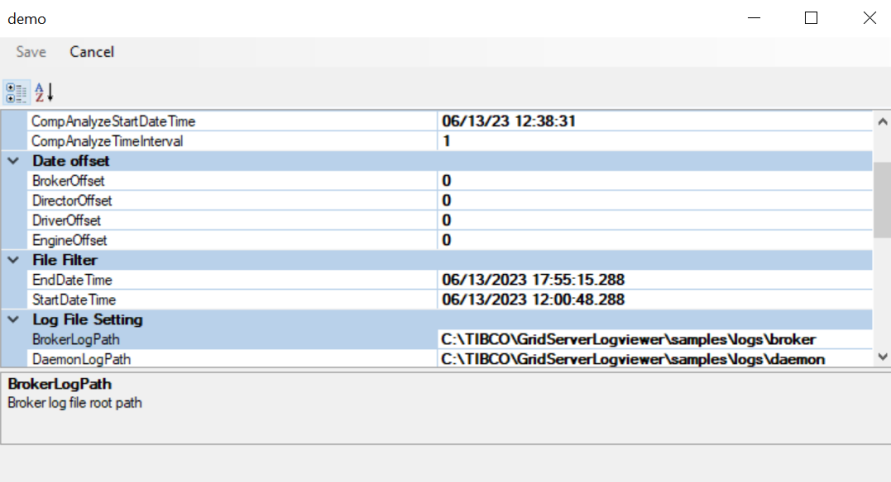
You can also edit the Property file using the Property Editor. In Property Editor, you configure the values of the property file when you first created the file.
Procedure
-
Go to the
Filemenu and select Open in Property Editor. -
Edit the configuration of the property file, and click Save.
-
To analyze the log file, click Run Analyze.
Related information