
Editing Property File Using the Text Editor
You can select a text editor such as notepad++ and open the property file in the selected editor to edit it.
Procedure
-
Go to the
Filemenu and click Open in Text Editor. -
Edit the configuration values in the text editor, and click Save.
-
To analyze the log file, click Run Analyze
 .
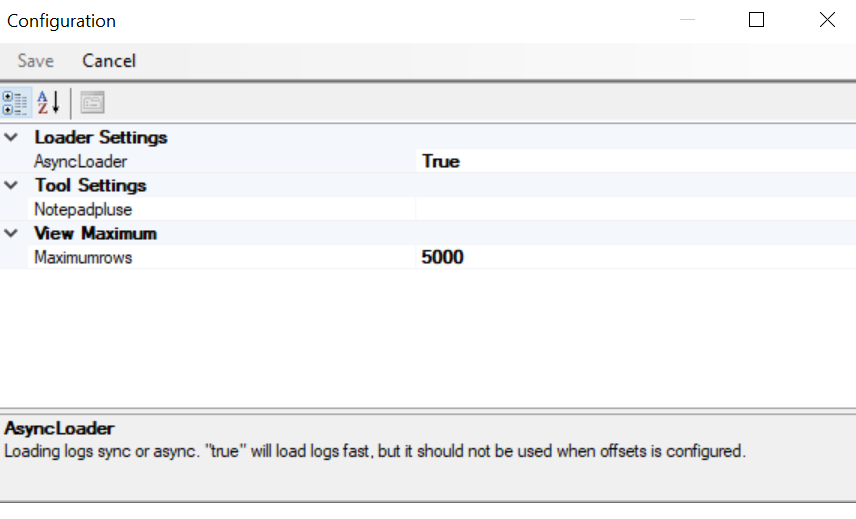
Note: You can configure a text editor of your choice from the Tools > Configuration > Tool Settings.
The different configuration parameters are explained in the following table:
Property File Configuration
| Field | Description |
|---|---|
| Loader Settings |
|
| Tool Settings | You can choose another text editor. |
| View Maximum |
You can edit to configure the maximum rows that can be displayed in a view. (The value should be less than 2147483647 and more than 0).
|
Related information