
Searching Logs by TaskID
You can search the logs by a specific TaskID. It minimizes the memory load as only jobs of a specific TaskID is loaded in the memory.
Procedure
-
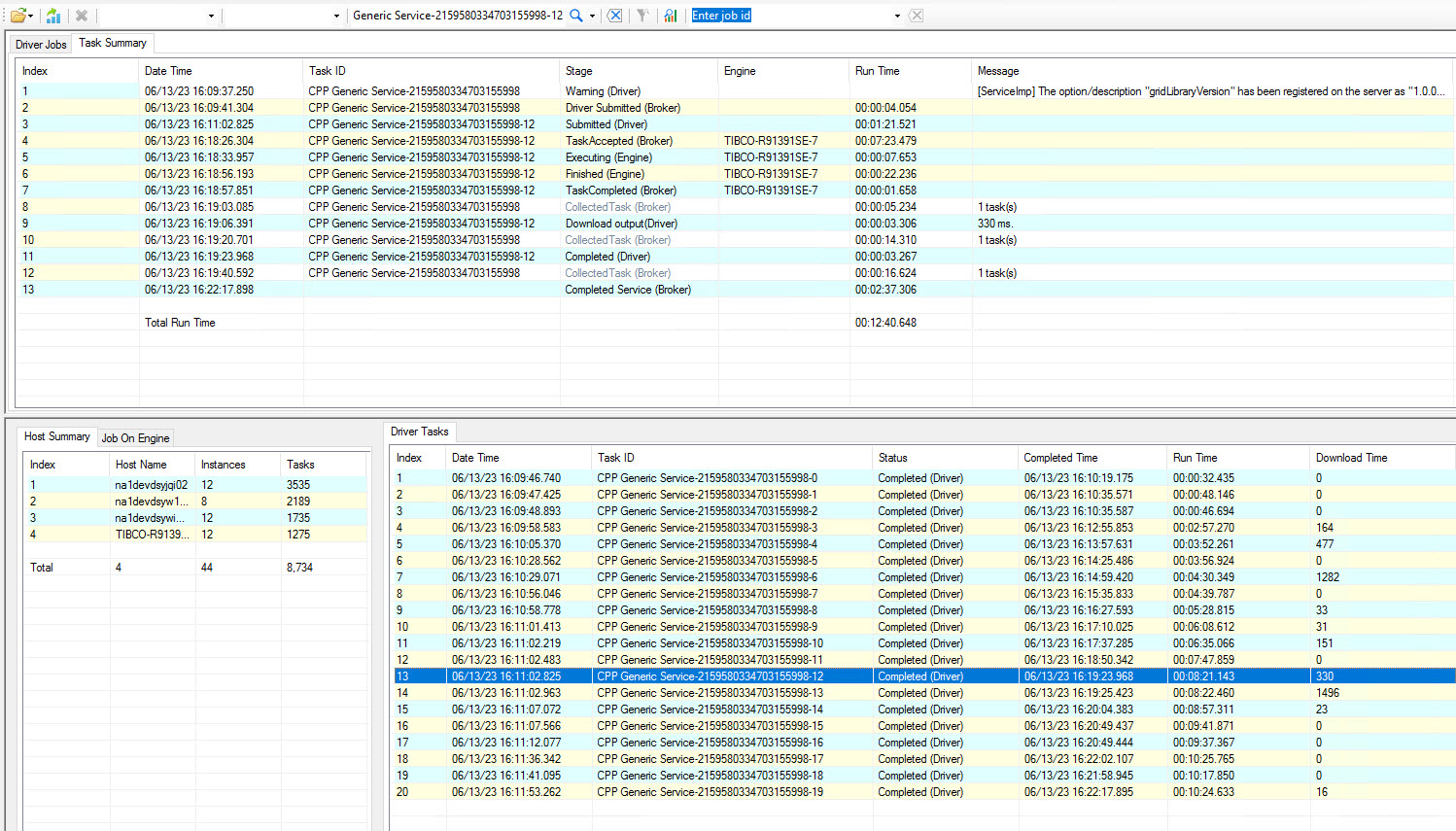
To search a log file for a particular TaskID, enter the Task ID in the Search box.
-
Click Search by task id
 .
Result
The top pane of the window displays the different
Stage, Engine, Run time, Message, if any, and Date Time of the selected TaskID in the Task Summary tab.
Related information