
Uninstalling a Manager
Related information
Uninstalling a Manager
To uninstall a Manager installed as a service on a Windows system:
-
In Windows, go to Start > Control Panel > Administrative Tools > Services.
-
Click the Standardtab.
-
Click DataSynapse Managerand click the Stop icon to stop the application.
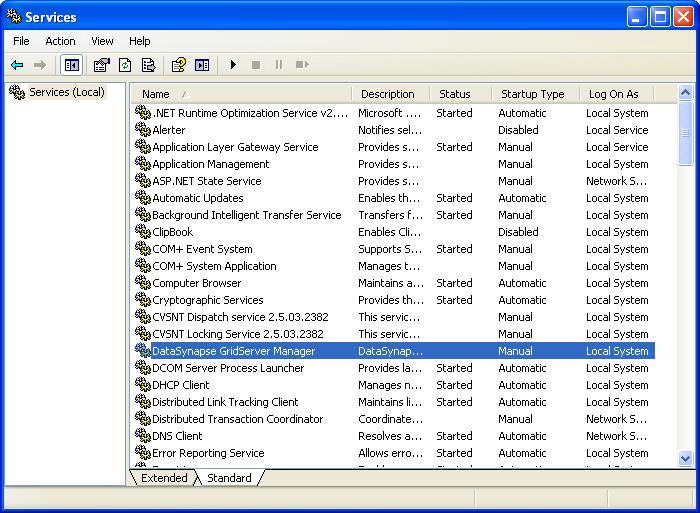 Stopping a Manager installed as a Windows Service
-
Open a command line, go to the DS\_MANAGER directory, and issue a
service removecommand to uninstall the service. -
Remove the DS\_INSTALL directory and its contents.