
Selecting the Log View
After you analyze the logs file, you can view the analyzed logs in the chart or in detail. The logs are displayed in
Detail Views by default.
Procedure
-
To view the analyzed logs in
Chart Views, select the options from the dropdown list.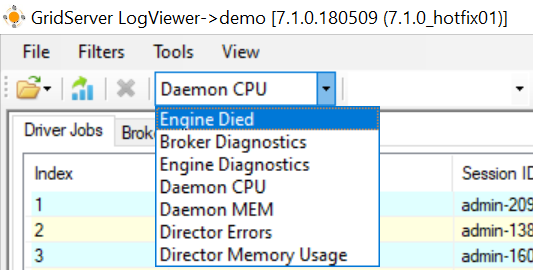
-
To view the analyzed logs in
Detail Viewsform, select the options from the dropdown list.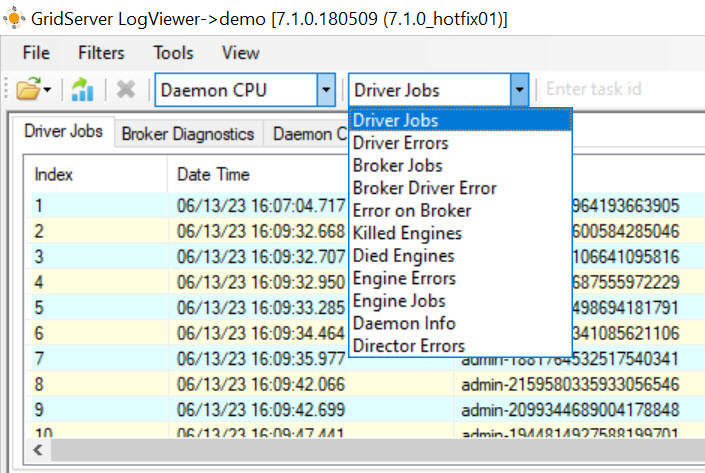
Note: You can
open the log file, search by job id, sort by different parameters in the file such as, Session ID, Job ID, Run Time, Port and so on.
Related information